Microwave Buttons Not Working? Here’s What to Check (Hyderabad Guide)
Microwaves have become essential in Hyderabad homes — from warming breakfast before office to heating dinner late at night after a long commute. But one issue that frustrates almost every household at some point is microwave buttons not working.
Sometimes only a few buttons stop responding, sometimes the entire panel becomes unresponsive, and occasionally the microwave works but you cannot enter any command. This issue is extremely common across areas like Miyapur, Kukatpally, Ameerpet, Secunderabad, Uppal, Gachibowli, Madhapur, Banjara Hills, Jubilee Hills, LB Nagar, and Mehdipatnam.
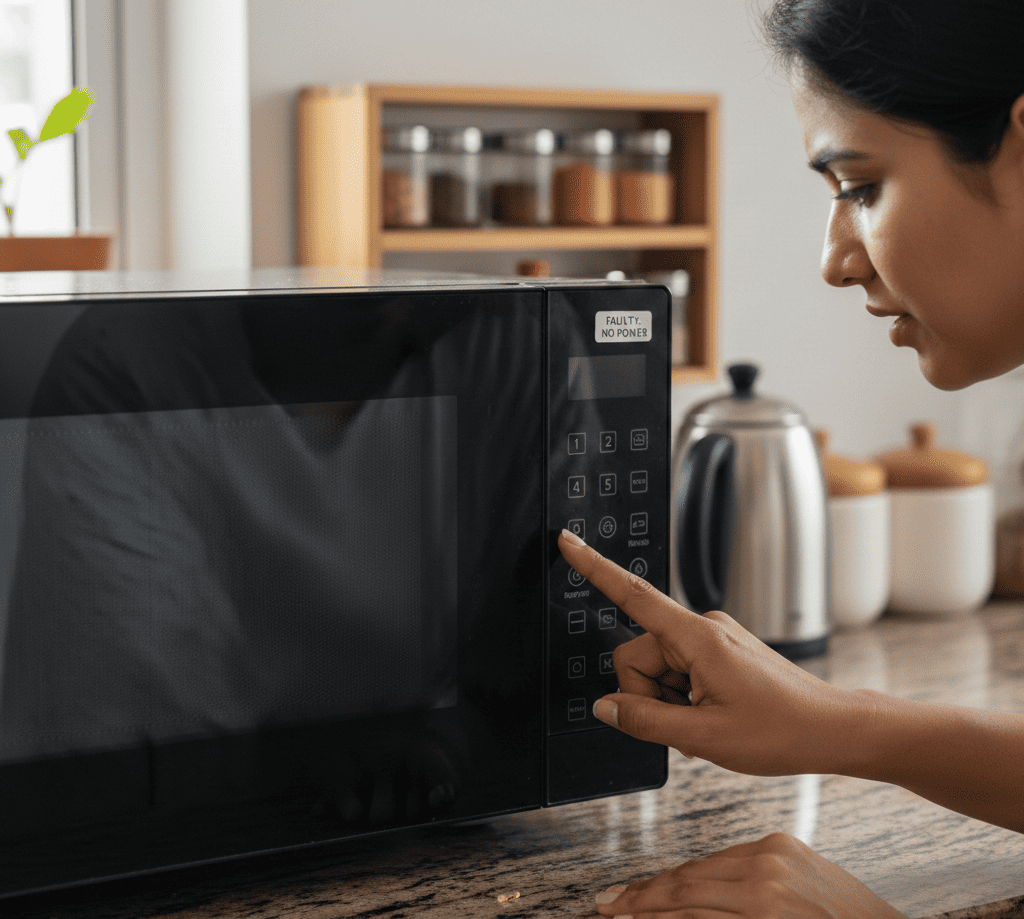
Before you assume your microwave is dead, here is the good news — the “buttons not working” problem often has simple causes. Some can be checked safely at home, while others need a technician.
This complete guide explains why microwave buttons stop working, what you can check yourself, and when to call Repair Expert India for fast same-day service in Hyderabad.
Why Microwave Buttons Stop Working — Common Causes
Microwave buttons (whether touchpad type or physical type) work through a control panel connected to a circuit board. If anything interrupts the connection — moisture, dirt, wiring issues, or component failure — the buttons stop responding.
Below are the possible reasons.
Moisture Inside the Control Panel
Hyderabad weather, especially during monsoon months, brings humidity that easily enters kitchen appliances. Steam from cooking or placing the microwave near the stove also leads to moisture buildup.
Symptoms:
- Some buttons work, others don’t
- Buttons work intermittently
- Panel freezes for a few minutes after cooking
Moisture affects the sensitivity of the touchpad and blocks electrical signals. In many Hyderabad homes (especially in areas like Tarnaka, Uppal, and Lakdikapul), kitchens are compact and appliances are placed close together, which increases steam exposure.
Dirt, Oil & Grease Build-Up on the Touchpad
Microwaves used daily accumulate:
- Sticky fingerprints
- Spilled liquids
- Masala and oil vapours
- Moisture from cooking
This build-up interferes with touch sensitivity.
Signs:
- Touchpad feels less responsive
- Buttons require multiple presses
- Some numbers don’t register at all
Cleaning the panel gently with a damp cloth (not wet) often improves response.
Faulty Touchpad (Membrane Switch)
If your microwave has a flat touch surface, it uses a membrane switch underneath. Over time, this membrane wears out due to heat, pressure, and continuous use.
Common symptoms:
- Most buttons stop working
- Only one set of functions (like START or STOP) works
- Touchpad lights come on, but no input is detected
This is a hardware issue and needs replacement. Touchpad failure is very common in older microwaves in areas like Kukatpally, Ameerpet, and Dilsukhnagar where people use microwaves heavily for reheating food multiple times a day.
Damaged Control Board (PCB Board Issue)
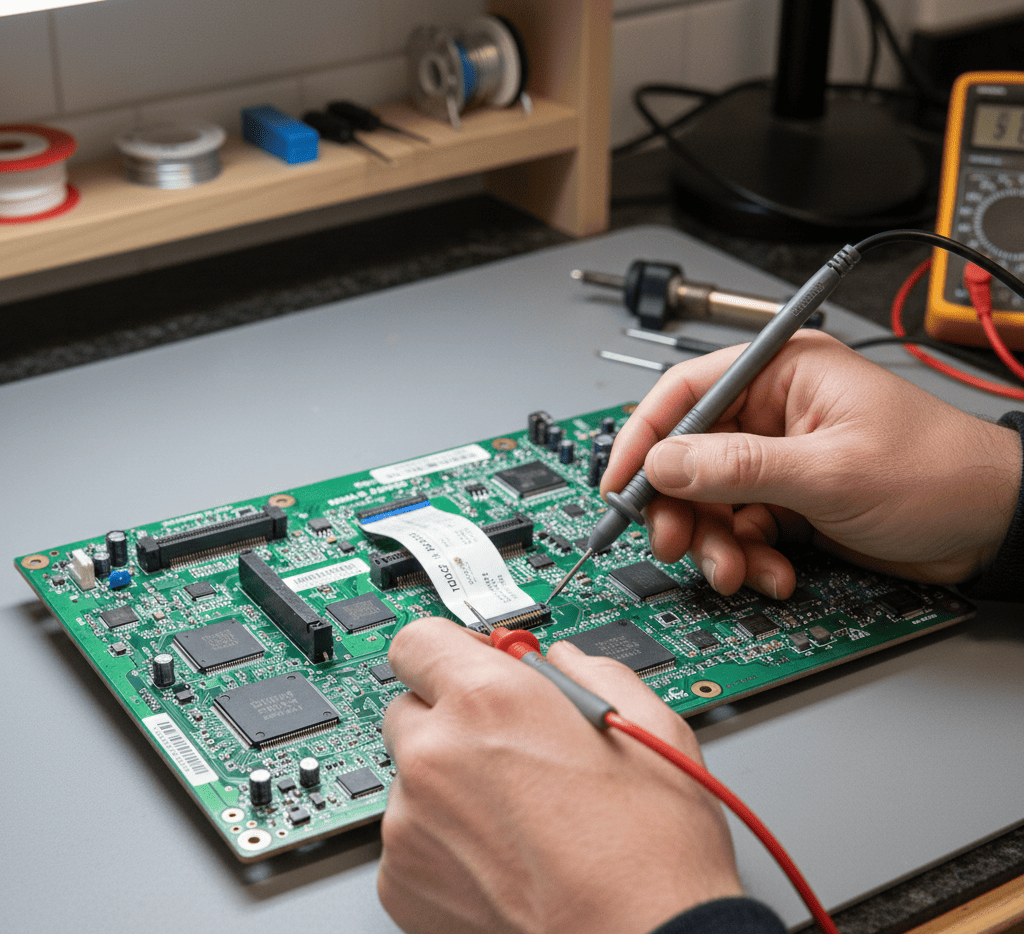
The PCB is the “brain” of your microwave. If the board is damaged, burned, or has a broken connection, the buttons will stop responding.
You may notice:
- Some modes activate automatically
- The display works but buttons don’t react
- Microwave restarts suddenly
- Beeping sounds without pressing anything
PCB issues are common after power surges. Areas like Madhapur, Gachibowli, Tolichowki, LB Nagar, and Miyapur frequently see voltage spikes due to high appliance usage.
Replacing or repairing the PCB usually solves the problem.
Cable or Ribbon Wire Loose
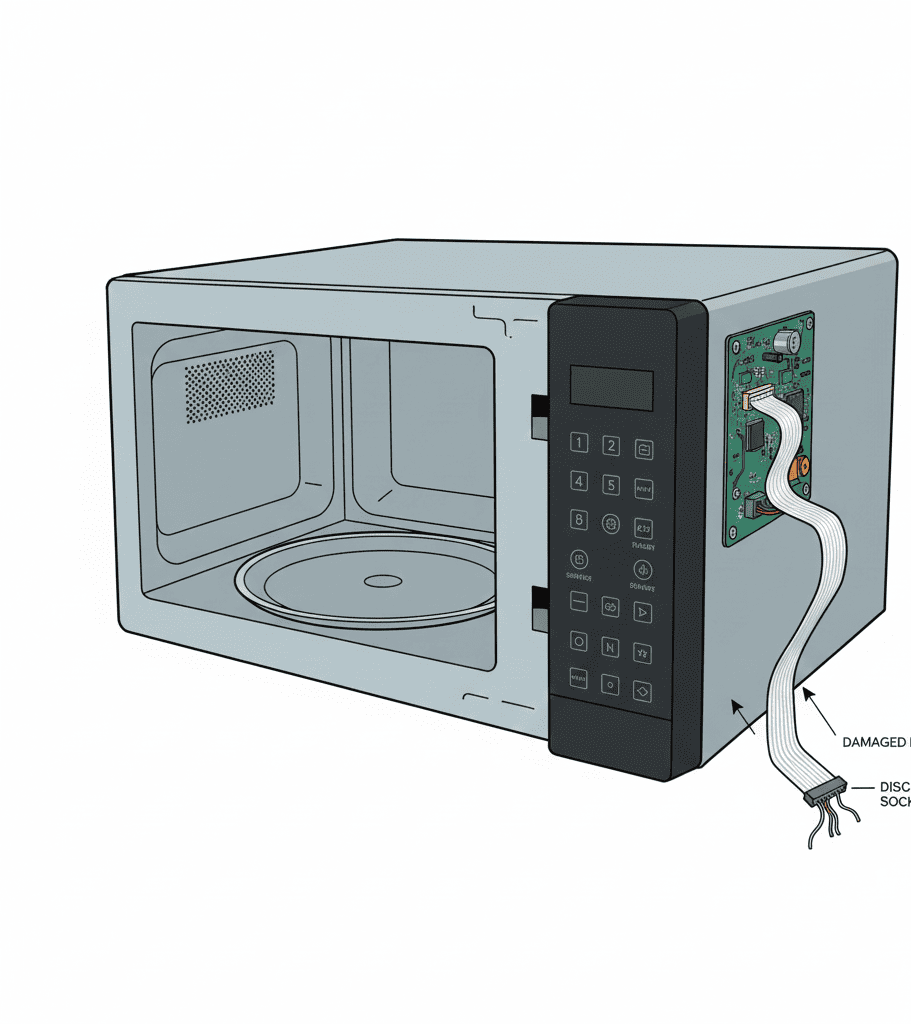
Inside your microwave, a thin ribbon cable connects the touchpad to the control board. If it becomes loose, dirty, or damaged, the buttons will not work.
Common reasons:
- Age
- Frequent heating
- Moisture entering the cable
- Power fluctuations
This requires opening the microwave, so it is not a DIY task.
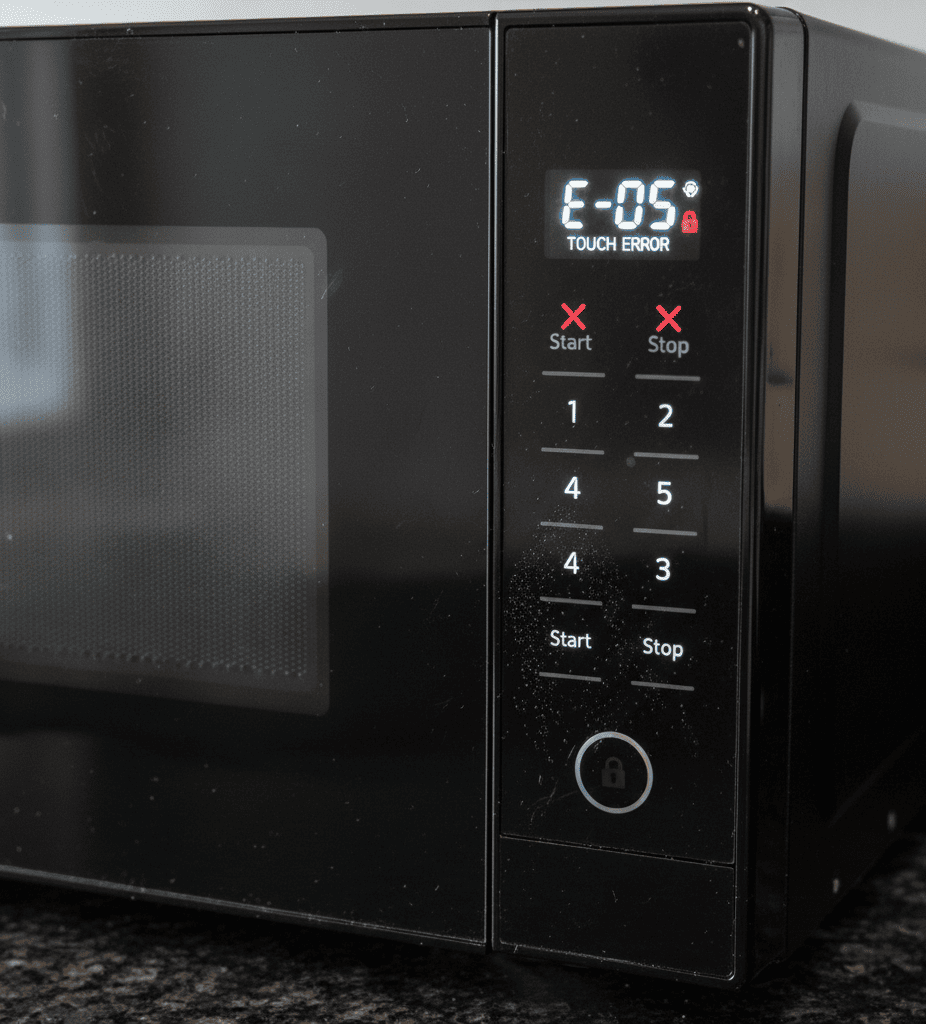
Child Lock Is Activated
Almost every microwave has a CHILD LOCK feature. When active:
- Buttons stop working
- Microwave ignores all commands
- Only a specific key combination can unlock it
You may see “LOC”, “L”, “LOCKED”, or a key symbol on the display.
Many people in Hyderabad unknowingly activate child lock while cleaning or pressing buttons accidentally.
To unlock:
- Press and hold the STOP/Cancel or 0 button for 3–5 seconds
(or depending on model)
This is one of the easiest fixes and often solves the problem immediately.
Broken Physical Buttons
If your microwave uses physical push buttons instead of a touch panel, they can:
- Break internally
- Stick due to dirt
- Lose spring tension
- Disconnect from the circuit board
This usually needs a technician to replace the switch.
Power Supply Issues
If voltage is unstable, the touchpad may not function properly.
Symptoms:
- Buttons freeze
- Microwave restarts
- Display flickers
Many areas in Hyderabad — such as Manikonda, Hafeezpet, Attapur, KPHB, and Bowenpally — face voltage drops. A stabilizer helps in such cases.
What You Can Check at Home (Safe Steps)
Before calling a technician, try these basic checks:
1. Restart the Microwave
Unplug the microwave for 3–5 minutes.
Plug it back in.
This resets the control board.
2. Clean the Touchpad Surface
Use a soft cloth slightly dampened with water.
Avoid using too much liquid.
3. Check if Child Lock Is ON
Look for lock symbols.
Try unlocking the microwave with long-press key combinations.
4. Move the Microwave to a Ventilated Area
Especially if it sits near the stove or on a moist wall.
Moisture affects touch sensors.
5. Try Plugging It Into Another Power Socket
If it works on a different socket, your wiring is the issue.
Problems That Require a Technician
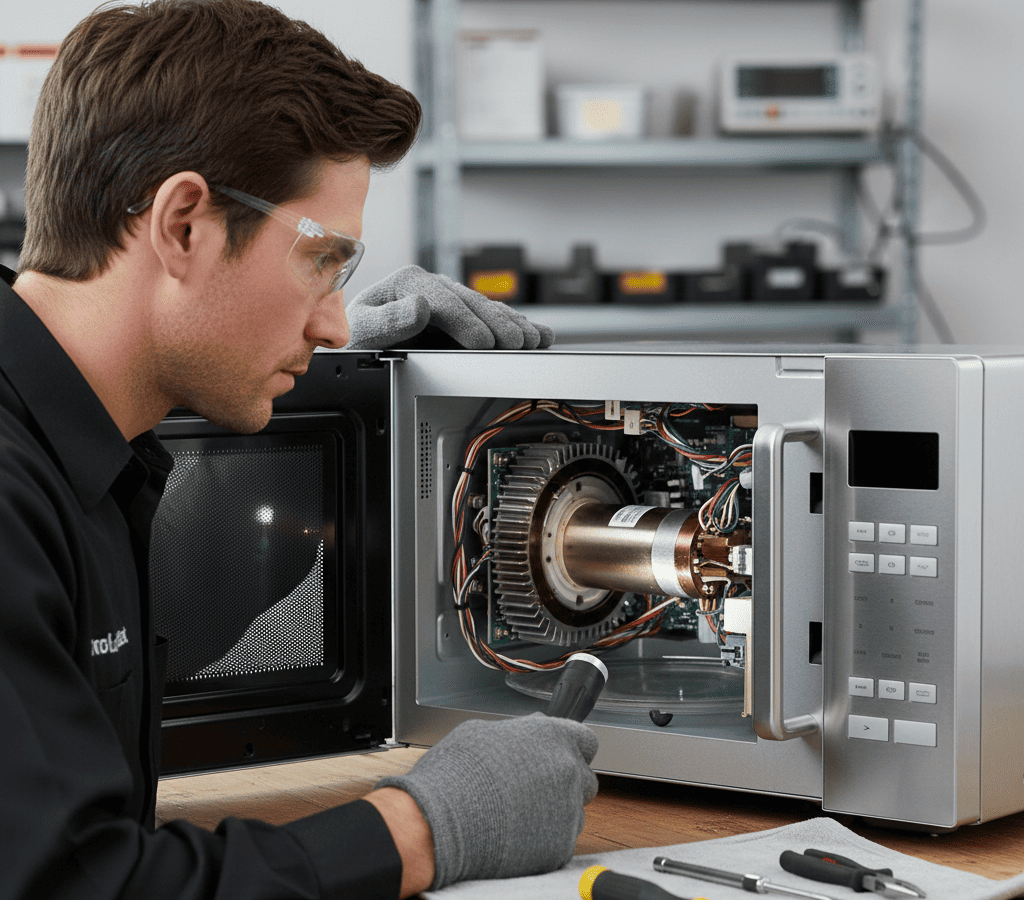
You should avoid opening the microwave yourself. Microwaves contain high-voltage capacitors that can store electricity even after unplugging — dangerous for untrained users.
Call a technician if you suspect:
- Touchpad membrane failure
- PCB (control board) failure
- Loose ribbon cable
- Moisture damage inside the panel
- Faulty start/stop button
- Burnt internal wiring
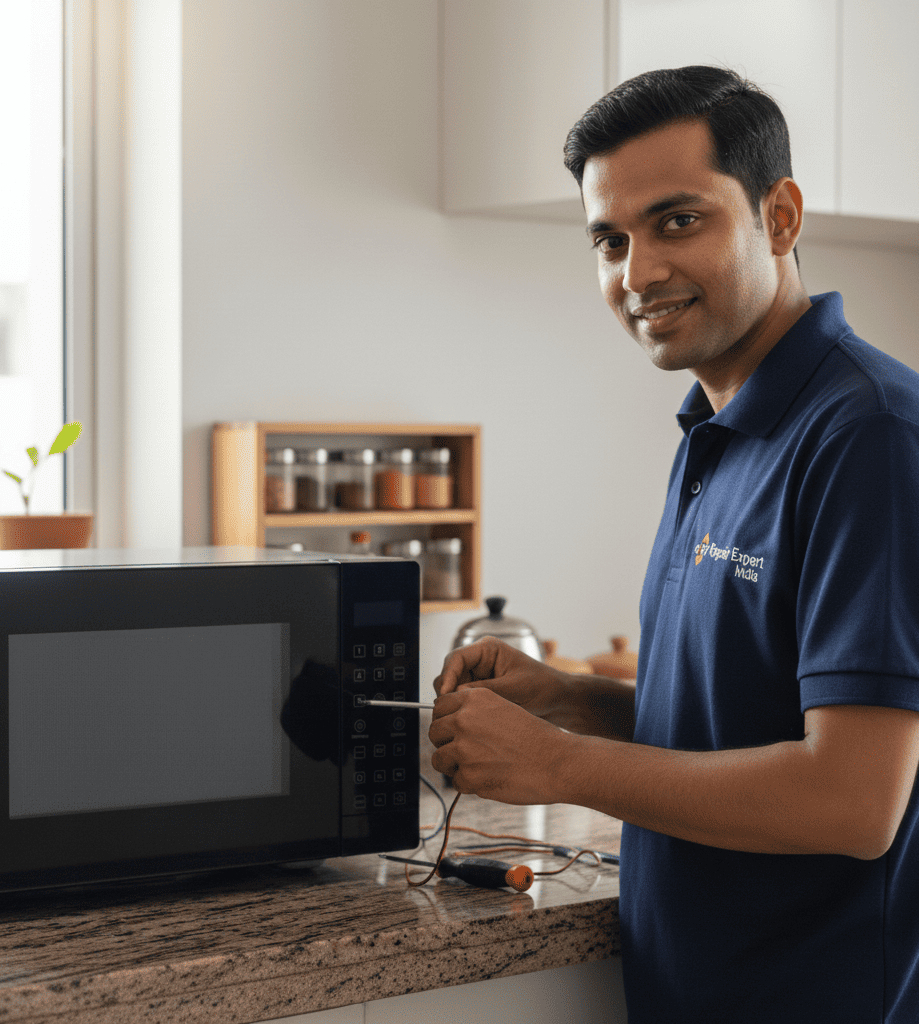
These repairs require tools, testing meters, and safety protocols.
How Repair Expert India Helps in Hyderabad
Repair Expert India provides specialised microwave repair across the city.
What you get:
- Same-day service
- Expert technicians
- On-spot diagnosis
- Genuine parts for all brands
- Affordable repair charges
- 30–90 days service warranty
Service Areas in Hyderabad:
Madhapur, Hitech City, Kondapur, Gachibowli, Miyapur, Kukatpally, KPHB, Ameerpet, Jubilee Hills, Banjara Hills, Begumpet, Tarnaka, Uppal, LB Nagar, Dilsukhnagar, Mehdipatnam, Secunderabad, Malkajgiri, Attapur, Hafeezpet, Manikonda and more.
Wherever you live in Hyderabad, we reach your home quickly.
When You Should Stop Using the Microwave Immediately
Stop using your microwave if:
- Buttons beep randomly
- There is burning smell
- Display flickers constantly
- Buttons work only sometimes
- Microwave starts without pressing buttons
These signs indicate internal electrical issues.
Should You Repair or Replace?
Repairing is a better option when:
- Only the touchpad membrane is damaged
- A loose ribbon cable needs fixing
- Child lock issue
- Moisture damage on surface
Replacement may be considered when:
- PCB is completely burnt
- Microwave is older than 10–12 years
- Repair cost exceeds 60% of new unit
Repair Expert India technicians guide you honestly based on the condition.
Final Thoughts
Microwave buttons not working is a common problem for Hyderabad households, but the cause is often simple — moisture, dirt, child lock, or minor wiring issues.
With the right diagnosis, your microwave can be repaired quickly and affordably.
For reliable, fast repair service, Repair Expert India is always ready to help across Hyderabad.